
How to check password strength
The Password Strength Checker rates a password as you type, showing its strength, how many bits of entropy it has, an estimated crack time, and a checklist of what it is missing.
Everything runs in your browser — the password you type is never sent anywhere or stored.
Check a password
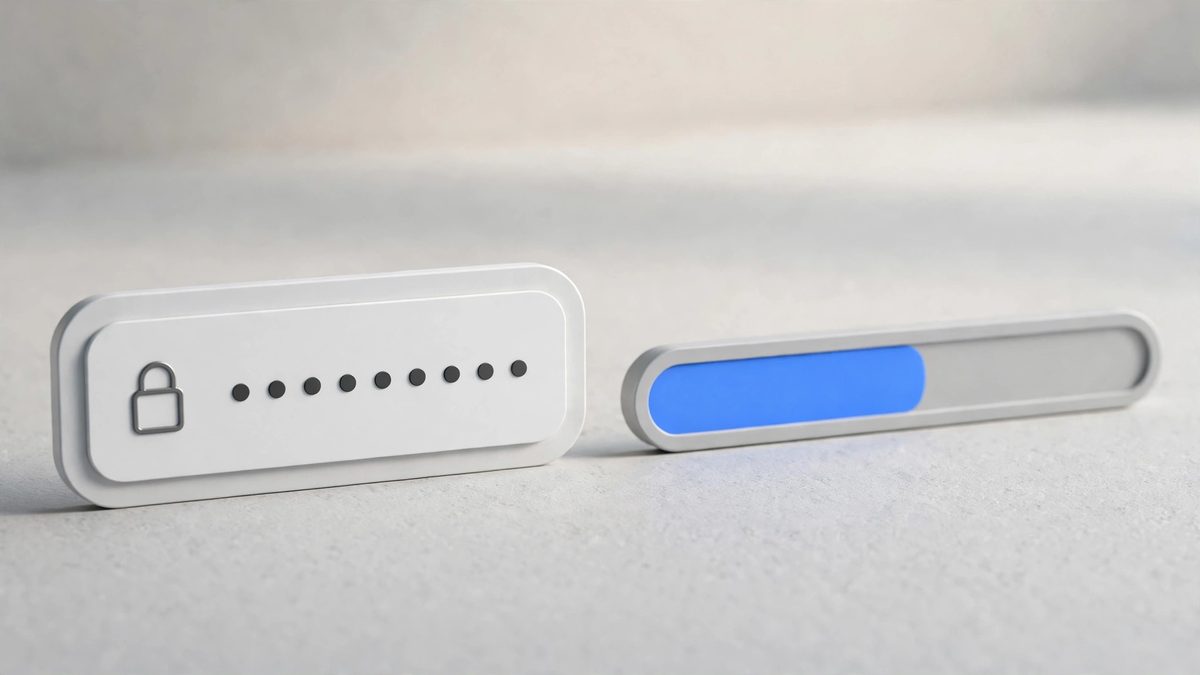
- Open the Password Strength Checker.
- Type a password in the box. The result updates live with every keystroke — there is no button to press.
- Read the
Strengthrating, the bits of entropy, and theEstimated crack timebelow the bar.
If you want to see what you typed, click Show. Click Hide to mask it again.
How to read the result
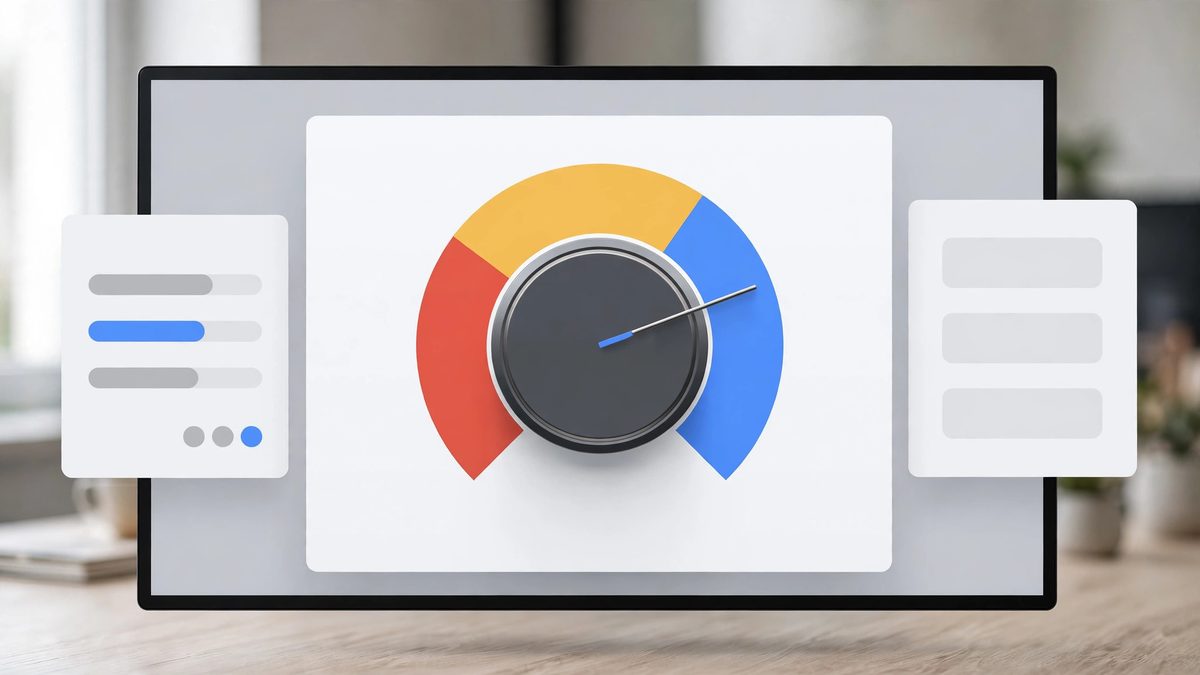
- Strength has four levels:
Weak,Fair,StrongandExcellent. The bar fills and changes colour with the rating. - Bits of entropy is a single number for how unpredictable the password is. Longer passwords and a wider mix of character types both raise it. Roughly: under 40 bits rates
Weak, 40 or more ratesFair, 60 or more ratesStrong, and 80 or more ratesExcellent. - Estimated crack time translates the entropy into a time — from
instantfor very weak passwords up to years and beyond for strong ones. It is an estimate based on an offline attacker guessing at high speed, not a guarantee, so treat it as a comparison guide rather than a promise.
The checklist
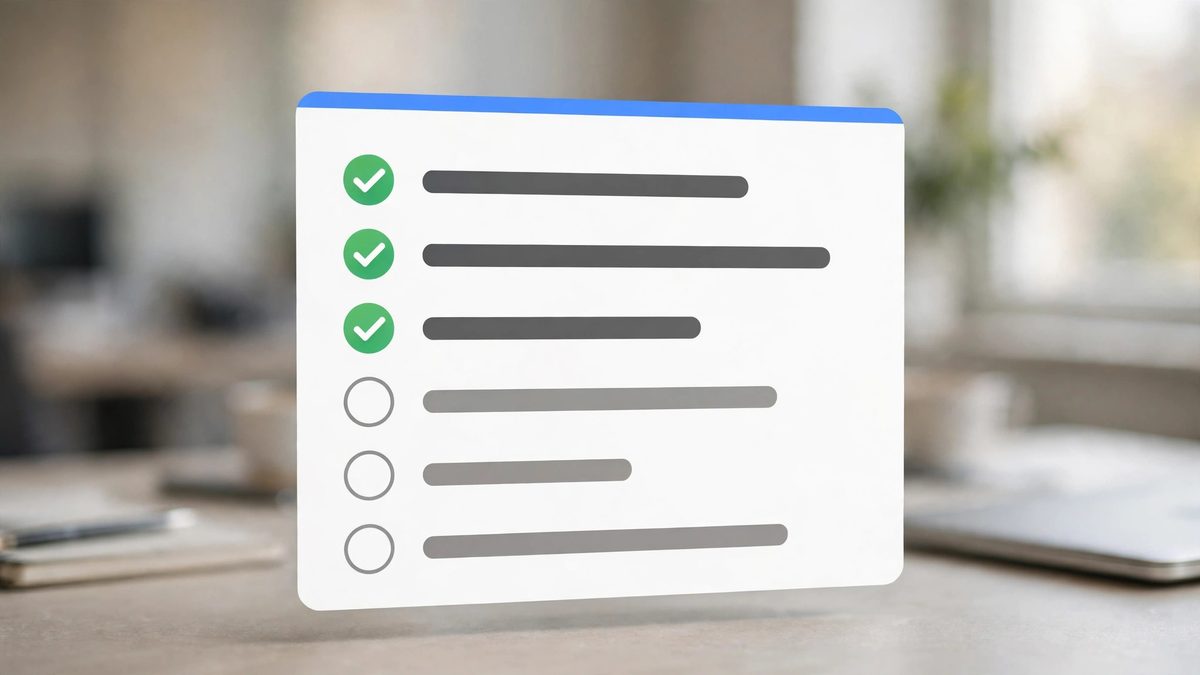
Below the bar, five checks show exactly what to improve:
At least 12 charactersUppercase and lowercase lettersContains a numberContains a symbolNo obvious patterns (repeats, sequences, common words, years)
Each check turns green with a tick when it passes. A password can have a good rating and still fail a check, so the checklist is the fastest way to see what to fix. The pattern check catches things like repeated characters, sequences such as 1234 or abcd, keyboard walks such as qwerty, common words such as password, and years.
Make a password stronger

The two most effective changes are length first, then variety:
- Make it longer. Adding a few characters raises entropy faster than swapping characters around. Twelve characters is the minimum the checklist asks for; more is better.
- Mix character types. Use lowercase and uppercase letters, a number, and a symbol. Each new type widens the pool the password is drawn from.
- Drop the patterns. A long password built from a repeated word, a sequence or a year is weaker than its length suggests.
A practical approach: start from a phrase you can remember, then stretch it with mixed case, a number and a symbol until all five checks pass and the rating reads Strong or Excellent.
One honest warning
Do not type a real password you currently use into any website tool, including this one. The check happens only in your browser and nothing is sent or stored, but the safest habit is to test a similar made-up password instead — one with the same length and character mix as the real one. You will get the same quality of answer without exposing the password itself.