
How to create synced lyrics (.lrc) with Ricsline
Ricsline is a free LRC maker: it turns plain song lyrics into a synced .lrc file, where every line carries the timestamp at which it is sung. Open the maker at dusmamud.github.io/ricsline/ and work through the steps below. No sign-up is needed, and your audio never leaves your browser — the MP3 is processed locally on your device.
Create a synced lyrics file
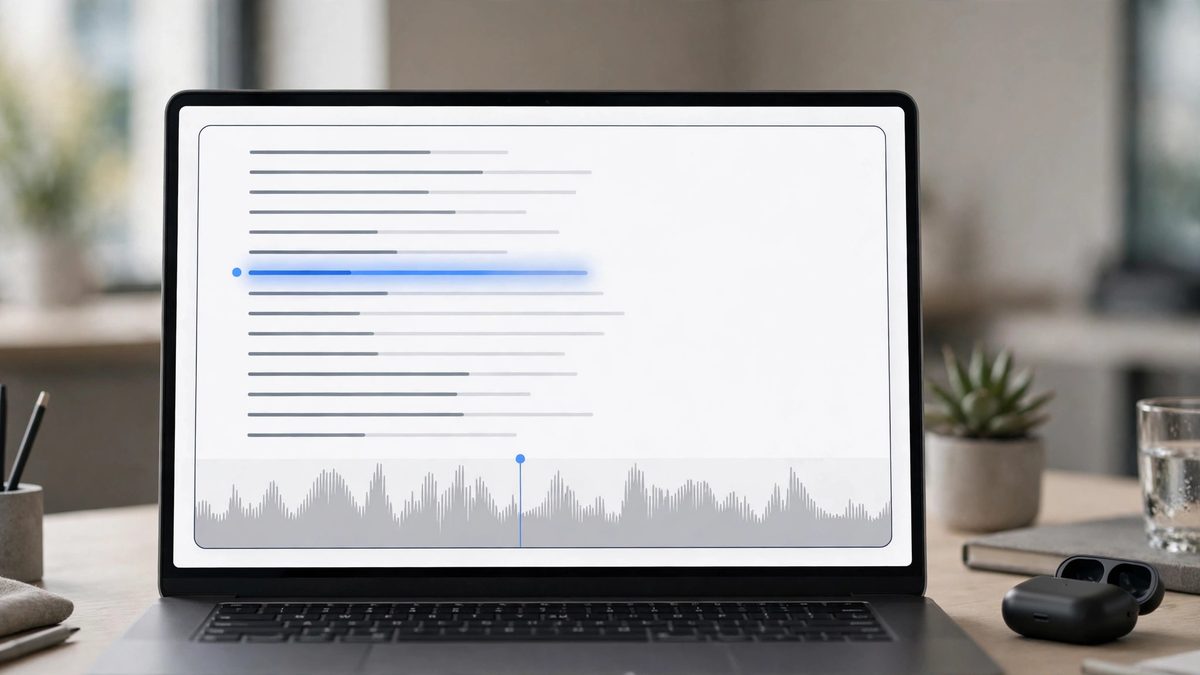
- Open Ricsline and go to the maker.
- Paste or type your lyrics, one line per row. You can also import an existing
.lrcfile if you want to fix or re-sync it — its tags and metadata are read in for you. - Add your MP3 file so you can listen while you sync.
- Press play. Every time a new line starts in the song, tap the sync button (or press
Spacebar). That stamps the current time onto the line. - When you reach the end of the song, every line has a timestamp in
[mm:ss.xx]format — minutes, seconds, and hundredths of a second. - Export your work: download the
.lrcfile, copy the LRC text, or copy the JSON structure. You can also save it to the in-browser library to come back to later.
Fix timing mistakes
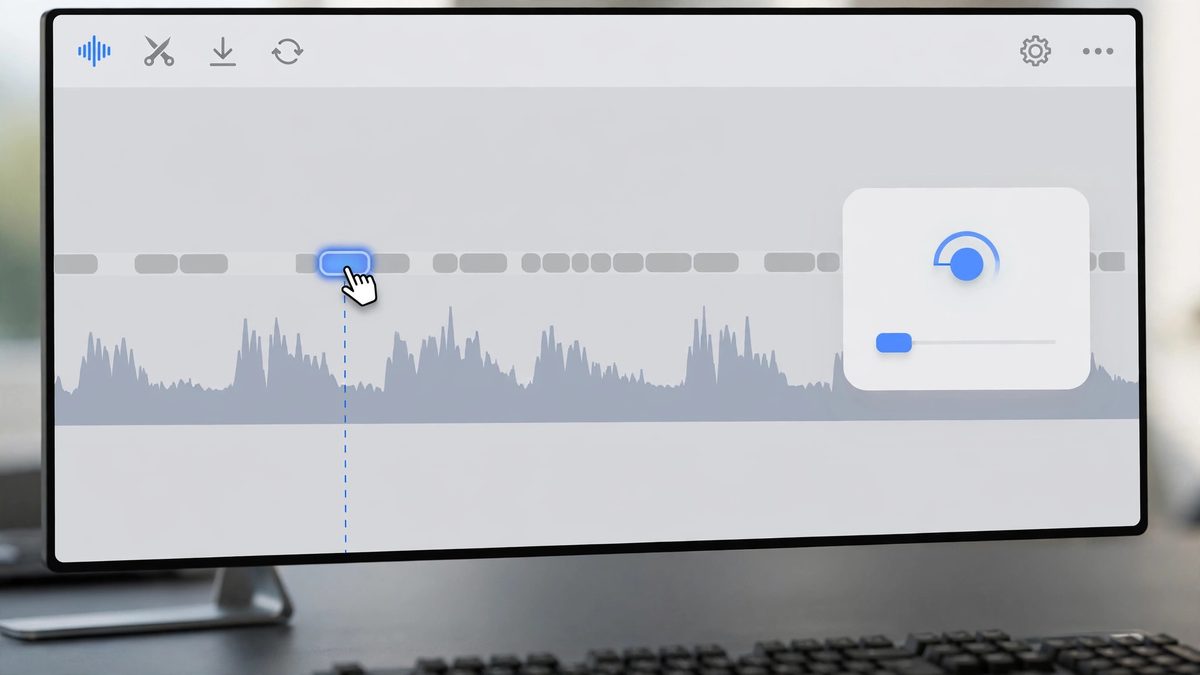
You do not need to start over if a line is off:
- Click a line to seek. Clicking any lyric line jumps the audio to that line's timestamp, so you can hear exactly where it lands.
- Edit a timestamp inline. If a line is slightly early or late, edit its timestamp directly instead of re-tapping the whole song.
- Shift everything at once. If the whole song is off by a constant amount — for example, because of a long intro — use the offset shifter to move all timestamps forward or back by a set number of seconds in one step.
Tips
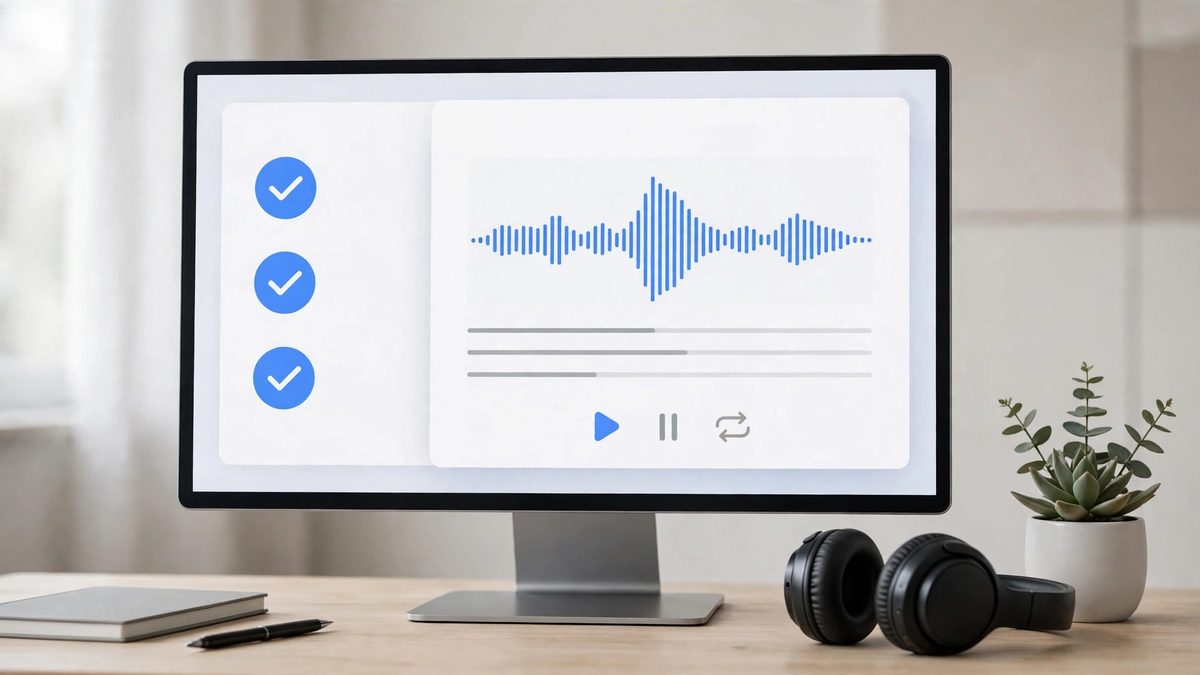
- Sync in short passes. Do one full pass without worrying about perfection, then replay and fix the lines that feel off. It is faster than trying to get every tap perfect the first time.
- Listen for line starts, not line ends. Tap the moment you hear the first word of a line — that is the timestamp a lyrics player will use.
- Keep your work in the library. Saved files stay in your browser, so you can reopen and adjust them later without re-importing anything.